
Activate your account
Accept your Stratos invitation, create your login, and sign in for the first time.
Stratos accounts are invitation-only. You can't sign up without an invitation. If you try, you'll see "Sign-up is invite-only. Ask a workspace admin to invite you."
There are two ways to get access:
- A teammate invites you. An Owner or Admin of your organization sends you an email invitation. Follow the steps below.
- Your company subscribes. The person who completed the purchase receives a "Welcome — let's finish setting up your company" email with a sign-in link. After signing in, they're asked to Name your company. They then continue to onboarding.
Accept an invitation
Open the invitation email
The email's subject is Invitation to followed by your organization's name. It says who invited you. Select Accept invitation.
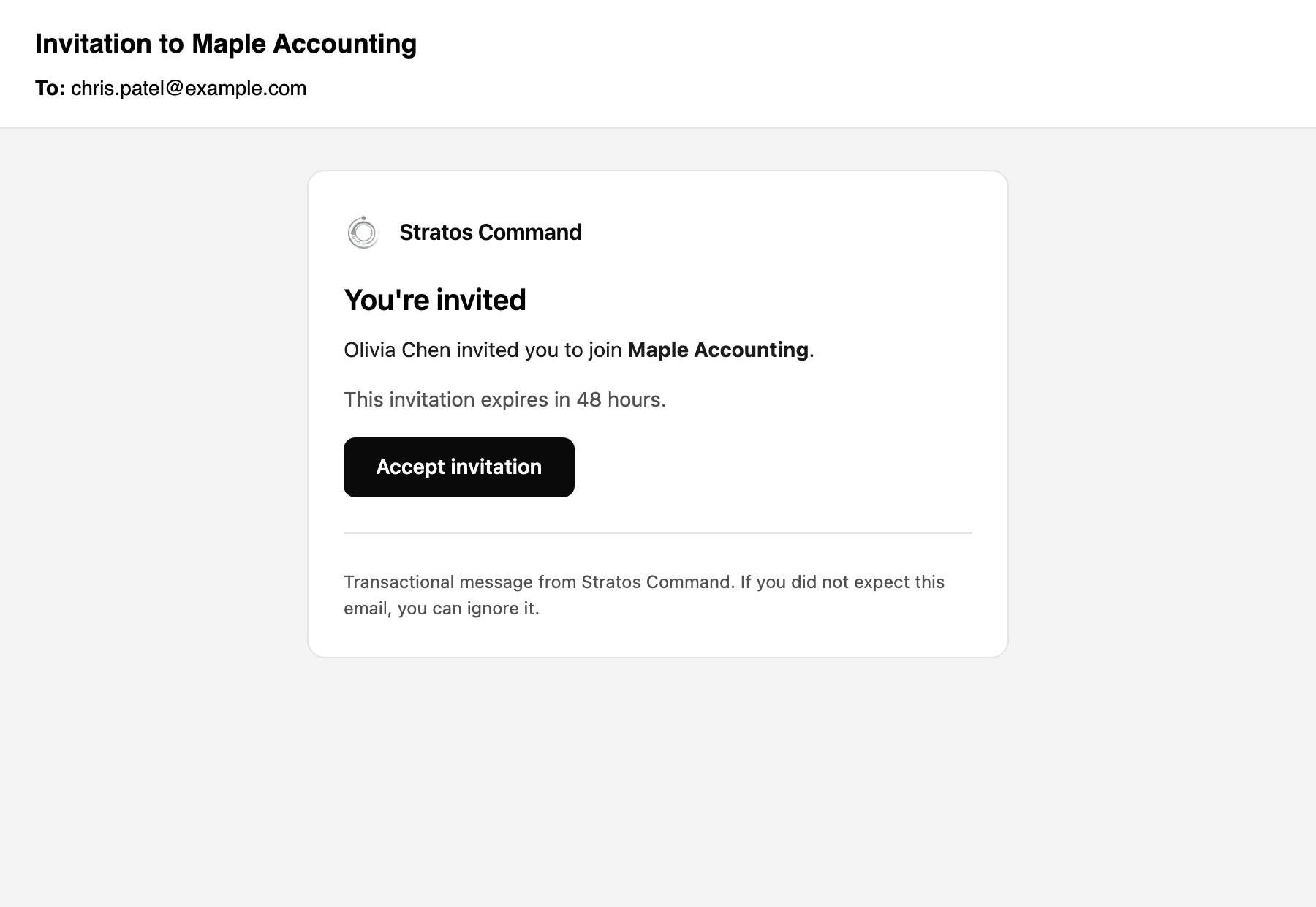
Invitations expire. The email tells you how long you have (48 hours by default). If yours has expired, ask the person who invited you to resend it.
Create your account
If you don't have a Stratos account yet, the link opens Create your account with your email address already filled in. Enter your name and a password, then select Create account.
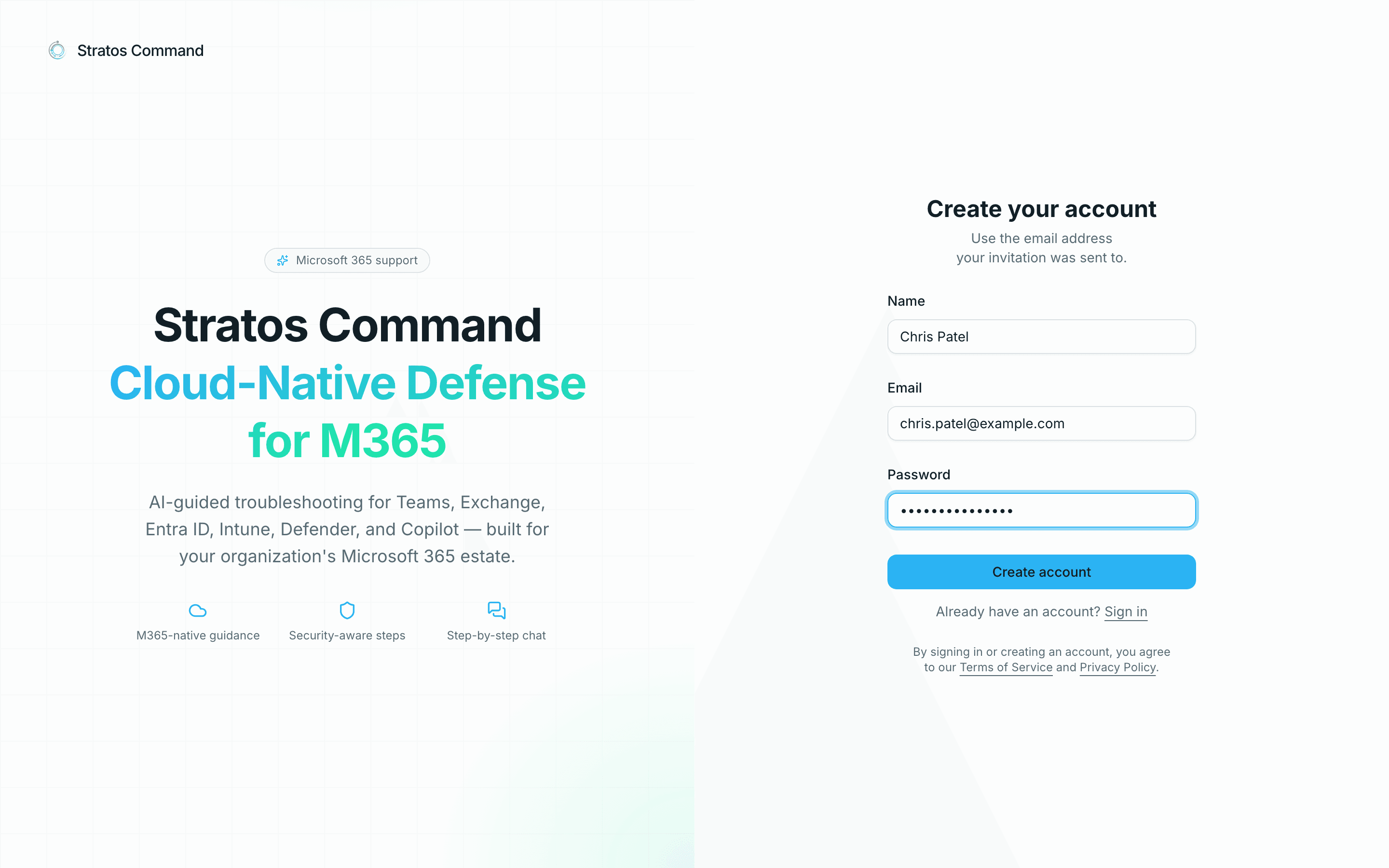
Use the invited email address
Sign-up only works for the address the invitation was sent to. If you need a different address, ask your Admin to invite that one instead.
If you already have a Stratos account (for example in another organization), the link asks you to sign in instead.
Join the organization
You'll see You're invited with the organization's name and your role. Select Join. You can also Decline. Invitations also appear under the bell icon in the app header, so you can accept or decline there later.
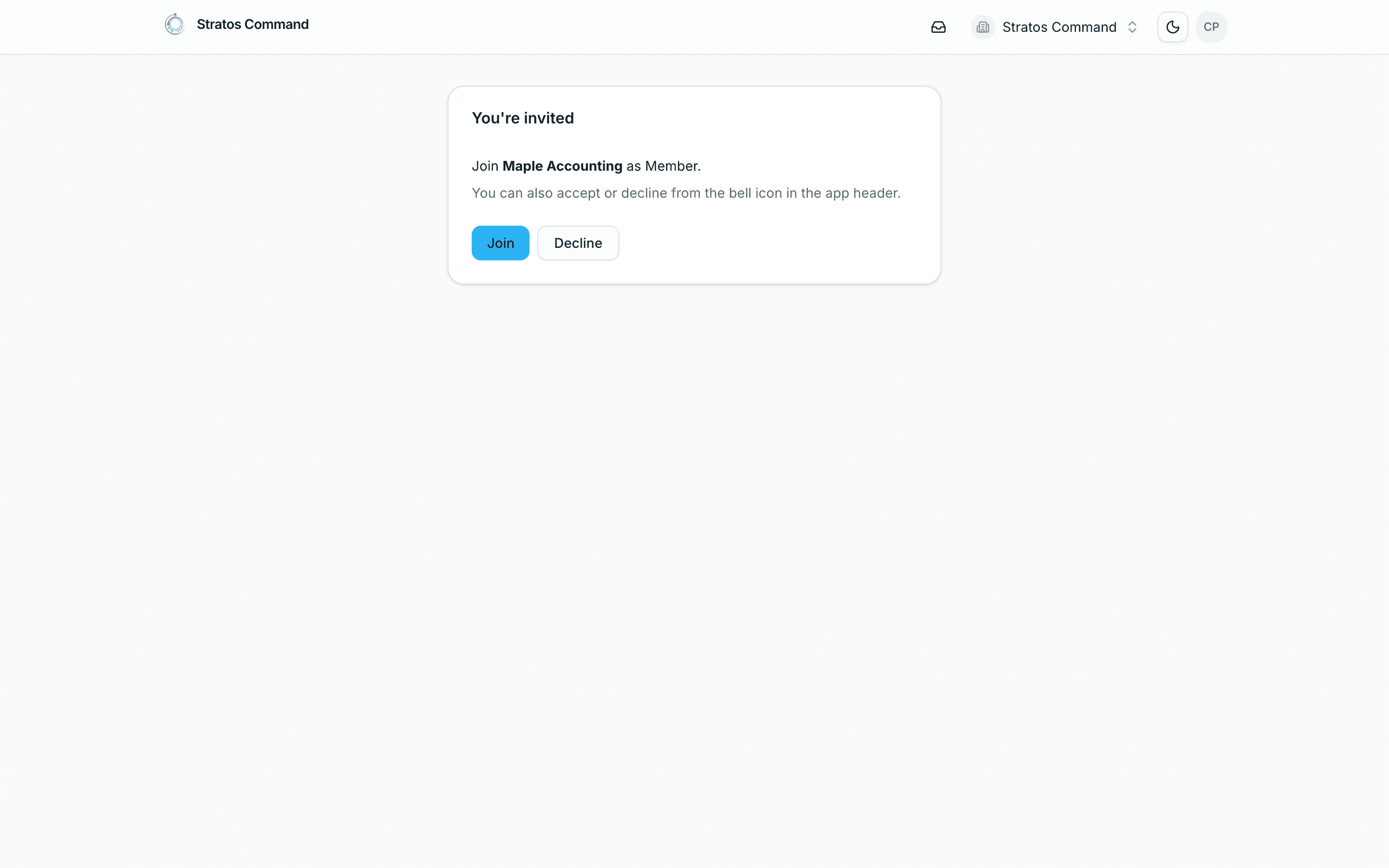
After you join, you land on your organization's Dashboard.
Sign in later
Go to the sign-in page and use one of these:
- Email and password. Enter both and select Sign in.
- Email link. Select Email me a sign-in link instead, and we'll email you a one-time link.
- Single sign-on. If your organization has set up SSO, select Sign in with SSO (see Workspace readiness).
Forgot your password? Select Email me a sign-in link instead to sign in with a one-time link.
Didn't get the email?
- Check your spam or junk folder.
- Ask the person who invited you to open the Invites tab under Settings → Team, check your address, and use Resend invitation email. Resending also renews an expired invitation.
- Make sure your mail system accepts email from Stratos. See Requirements.
Last verified November 12, 2026